Users
Overview
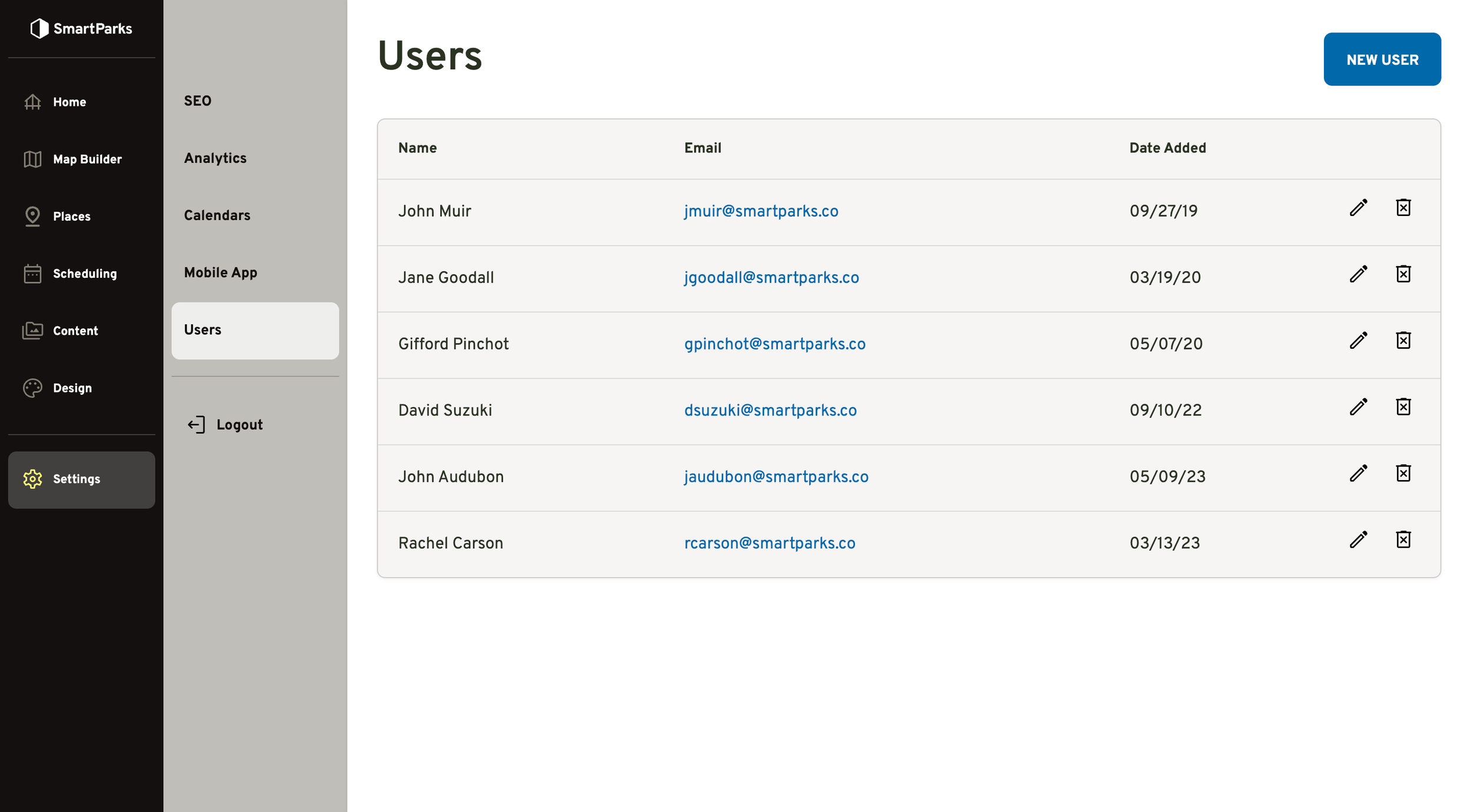
This feature allows you to create new admin users for your environment, as well as update name and email for existing users.
How to Create a New User
Go to Settings > Users in the left navigation menu
Click the “New User” button in the top right
Fill out the form and click the “Save” button at the bottom
First Name, Last Name: This is used to identity the user to other admins. It is not displayed to guests and is not used for logging in.
Email: This is used as the login for the account. It is also used for password resets.
Password: If you intend to set a permanent password, you should ensure you enter a secure password that contains a combination of letters, numbers, and symbols. The system will not enforce any minimum password requirements. You may also set an easy-to-remember temporary password. If you do so, the person receiving the new user account should do a password reset themselves to ensure the password is secure.
How to Reset Passwords
You cannot reset user passwords from the admin interface. It must be done through the password reset form.
Go to yourzoo.admin.smartparks.co
If you are logged out, you will be redirected to the login screen
Click the “Forgot your password?” link in the bottom right
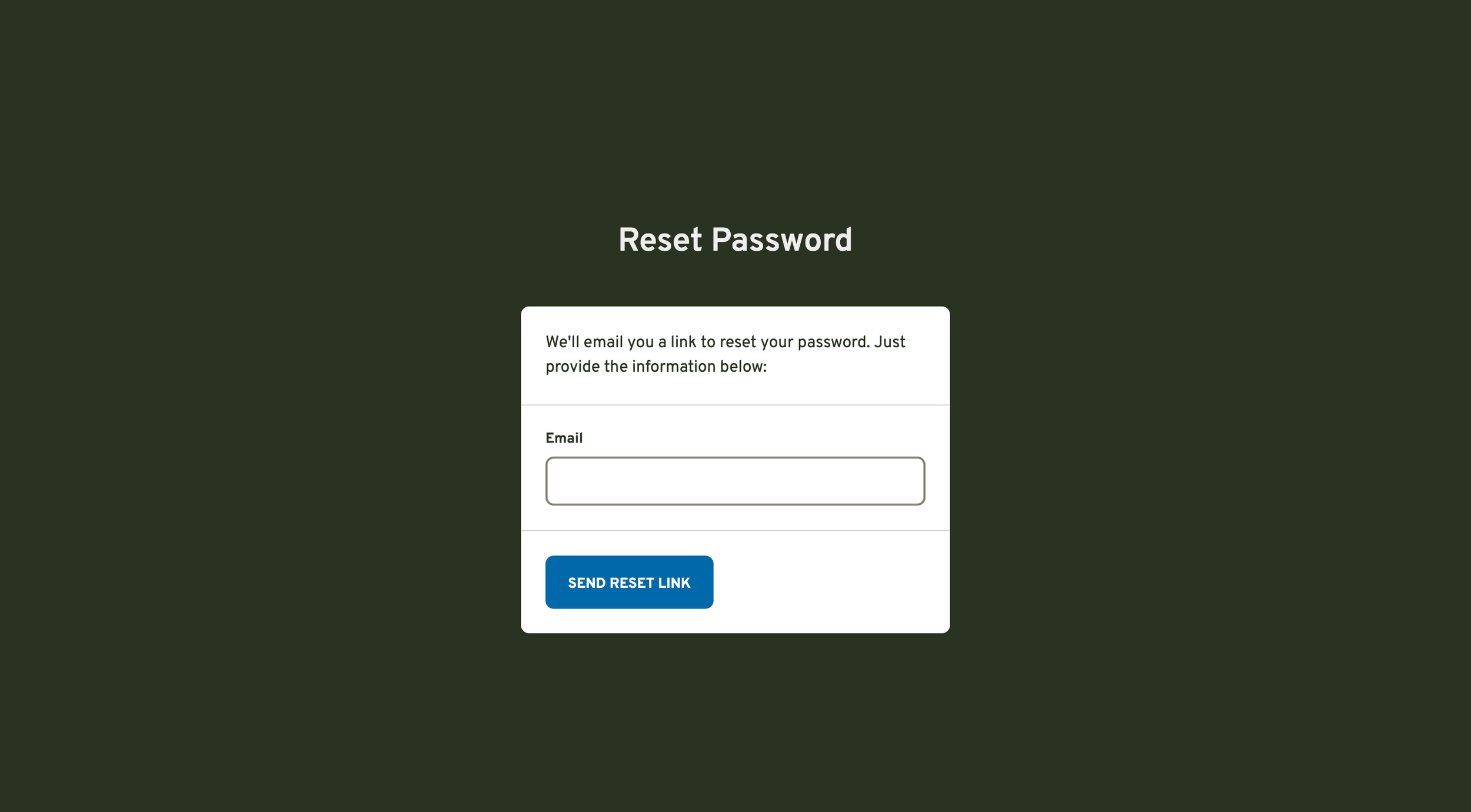
Enter your email and click the “Send Reset Link” button
Click the link and following the instructions in the email