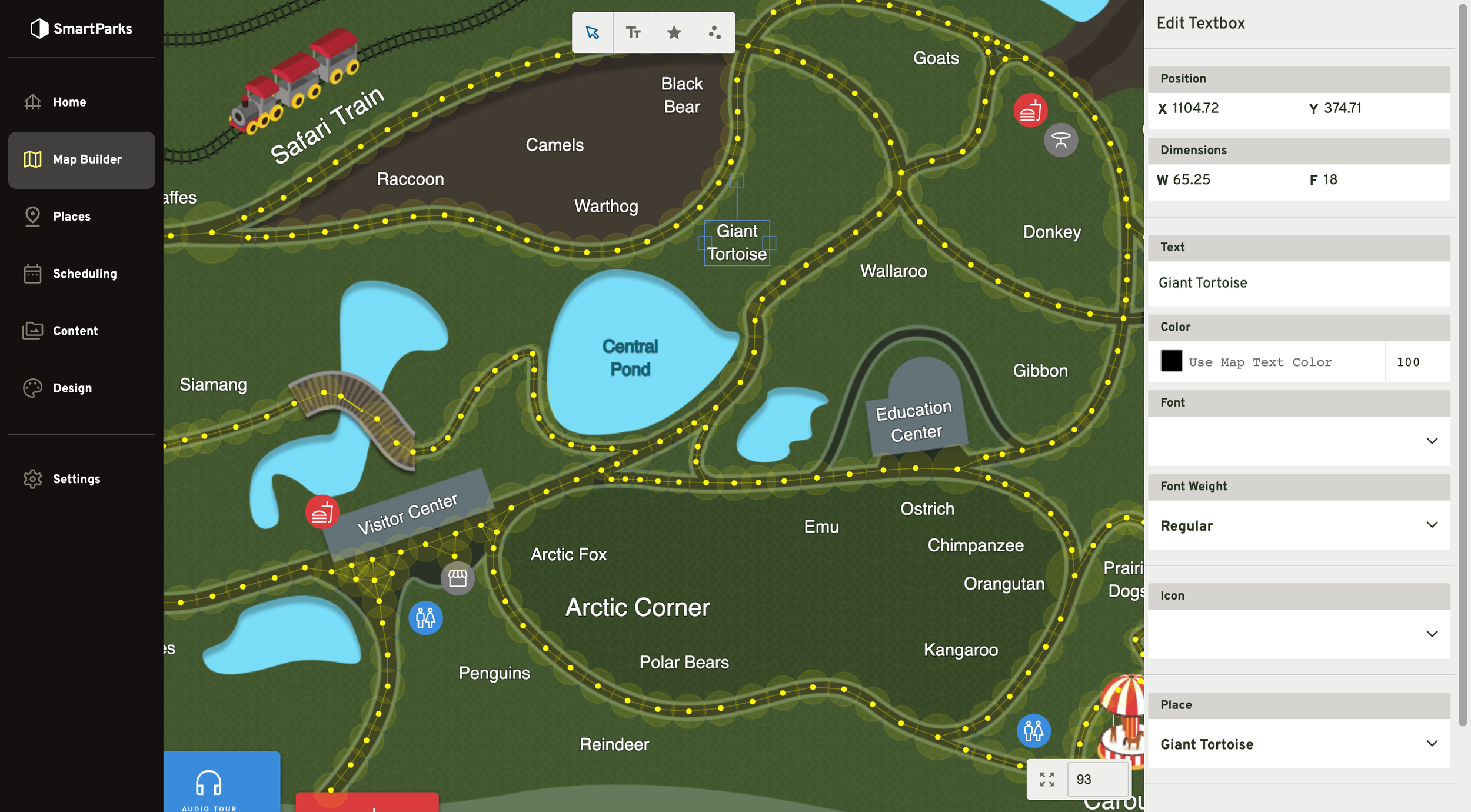
Maps
Overview
This feature allows you to build interactive maps with clickable labels and customizable walking paths. Maps are built on top of Map Templates. The map design tool is entirely web-based and does not require any specific technical knowledge to use.
How to Create a New Map
Go to Map Builder > Maps in the main navigation
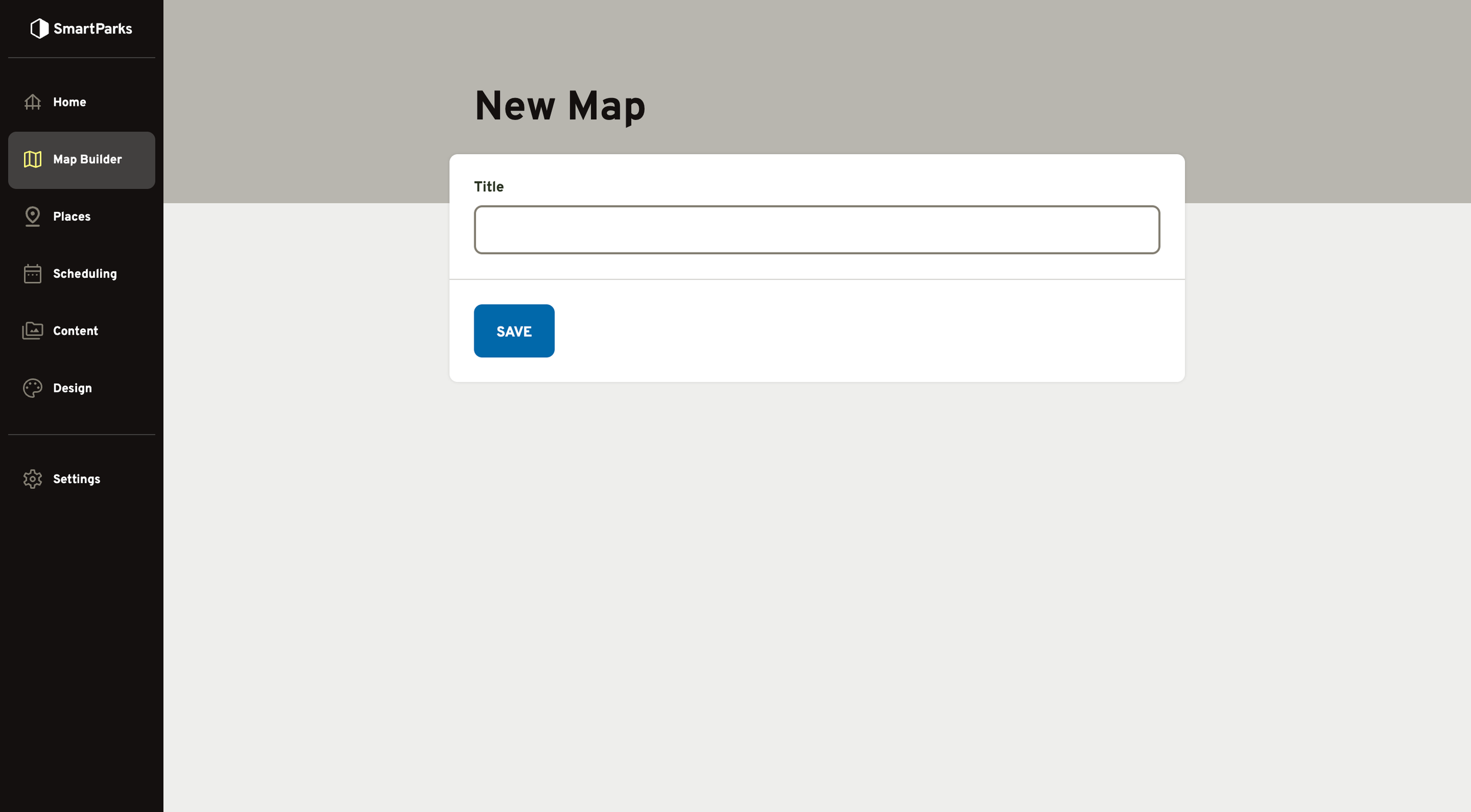
Click the “New Map” button in the top right
Fill out the form and click the “Save” button at the bottom
- Name: This is used to identity the map the admin, as well as in the Page Title in the mobile app. It should be a concise and human-readable.
How to Manage Maps
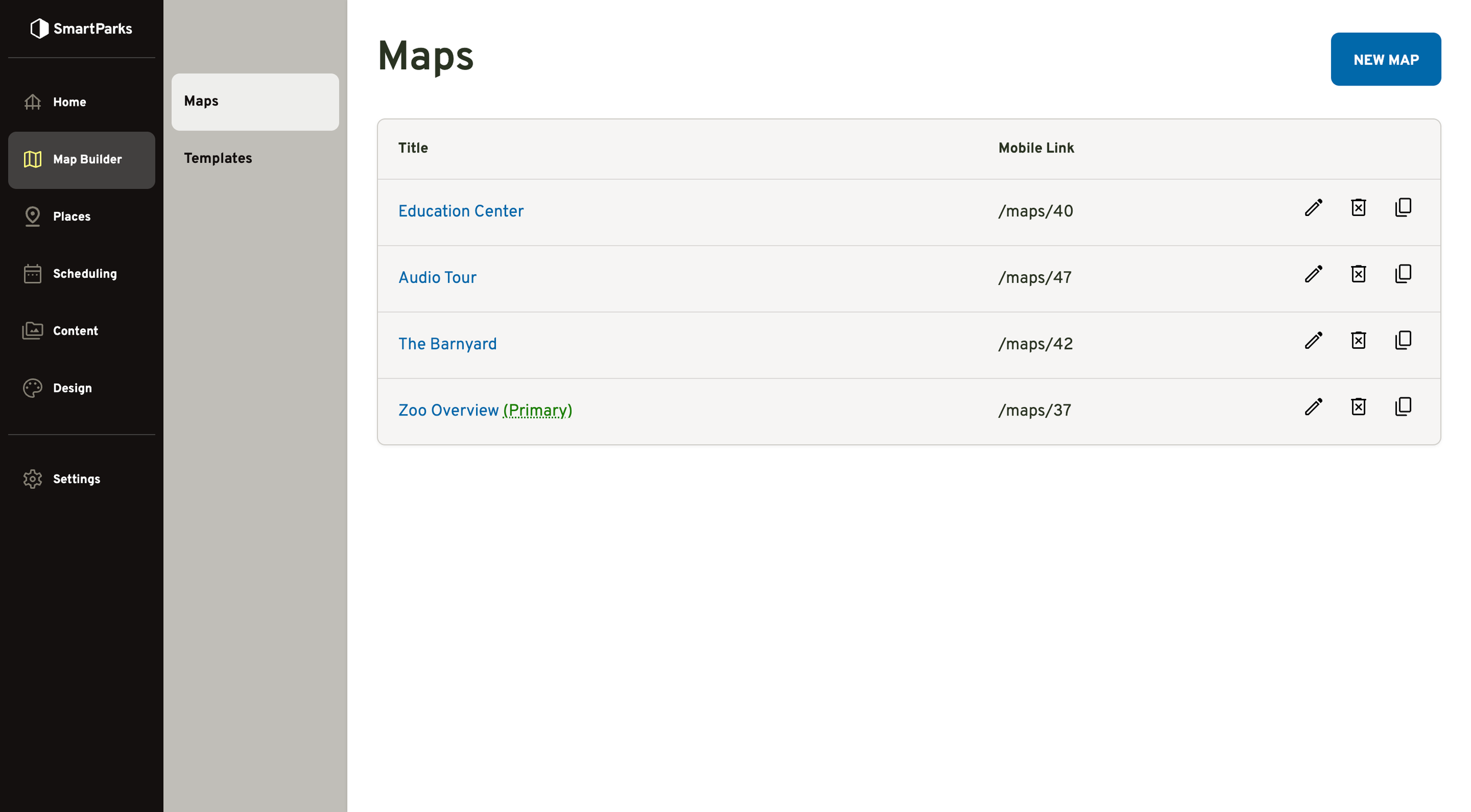
To Edit: Click the pen icon on the right
To Delete: Click the trash can icon with an X on the right
To Copy: Click the copy icon (stacked rectangles) on the right
To Go To Design Mode: Click the title of the map on the left
How to Set the Default Map
Go to Settings > Mobile App in the main navigation
Change the selection in the Map dropdown field
Click the “Save” button at the bottom
Design Mode
From the maps index, click the title of a map to go to Design Mode. From here, you can add icons, labels, and waypoints (i.e. paths) to your map.