Links
Overview
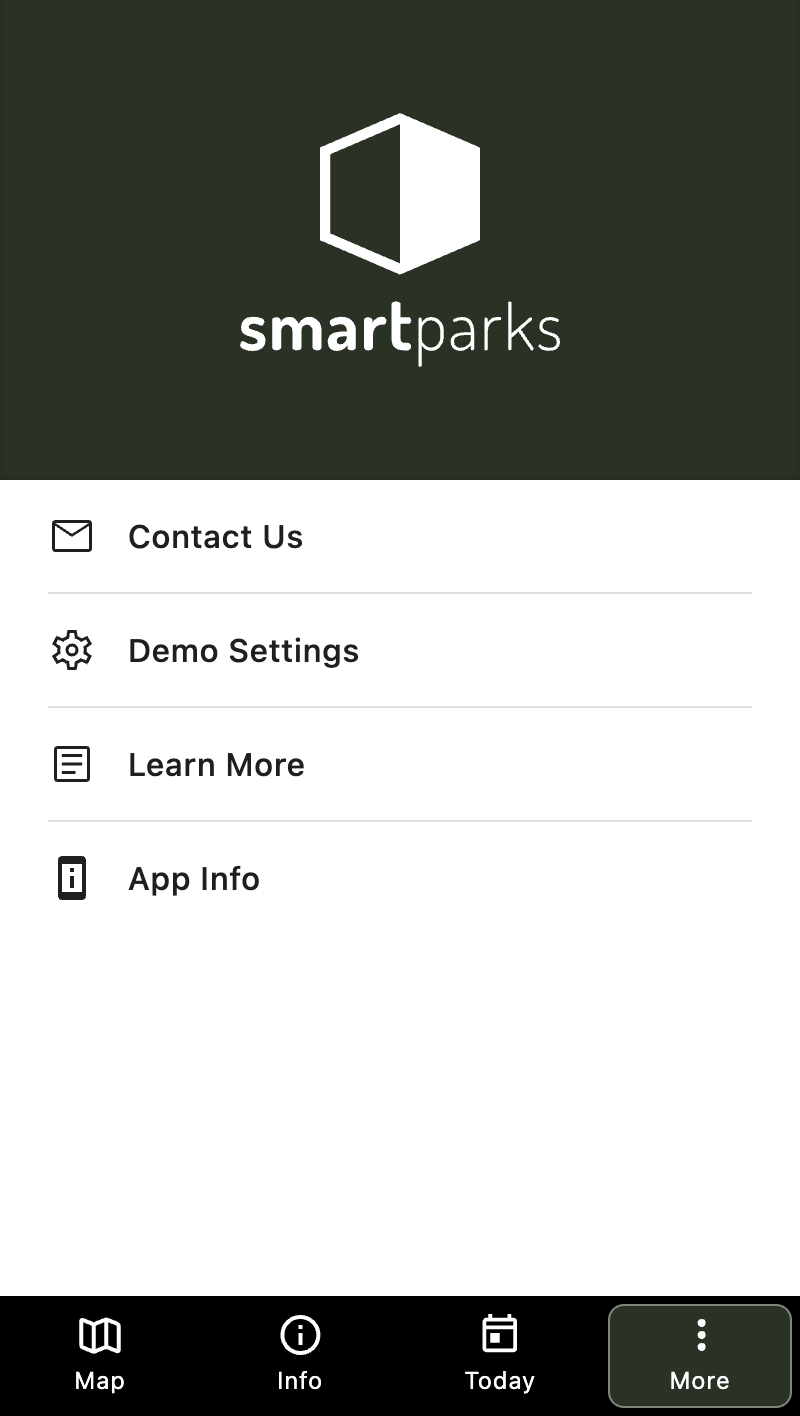
This feature allows you to add internal and external links to the more tab within the mobile app.
How to Create a New Link
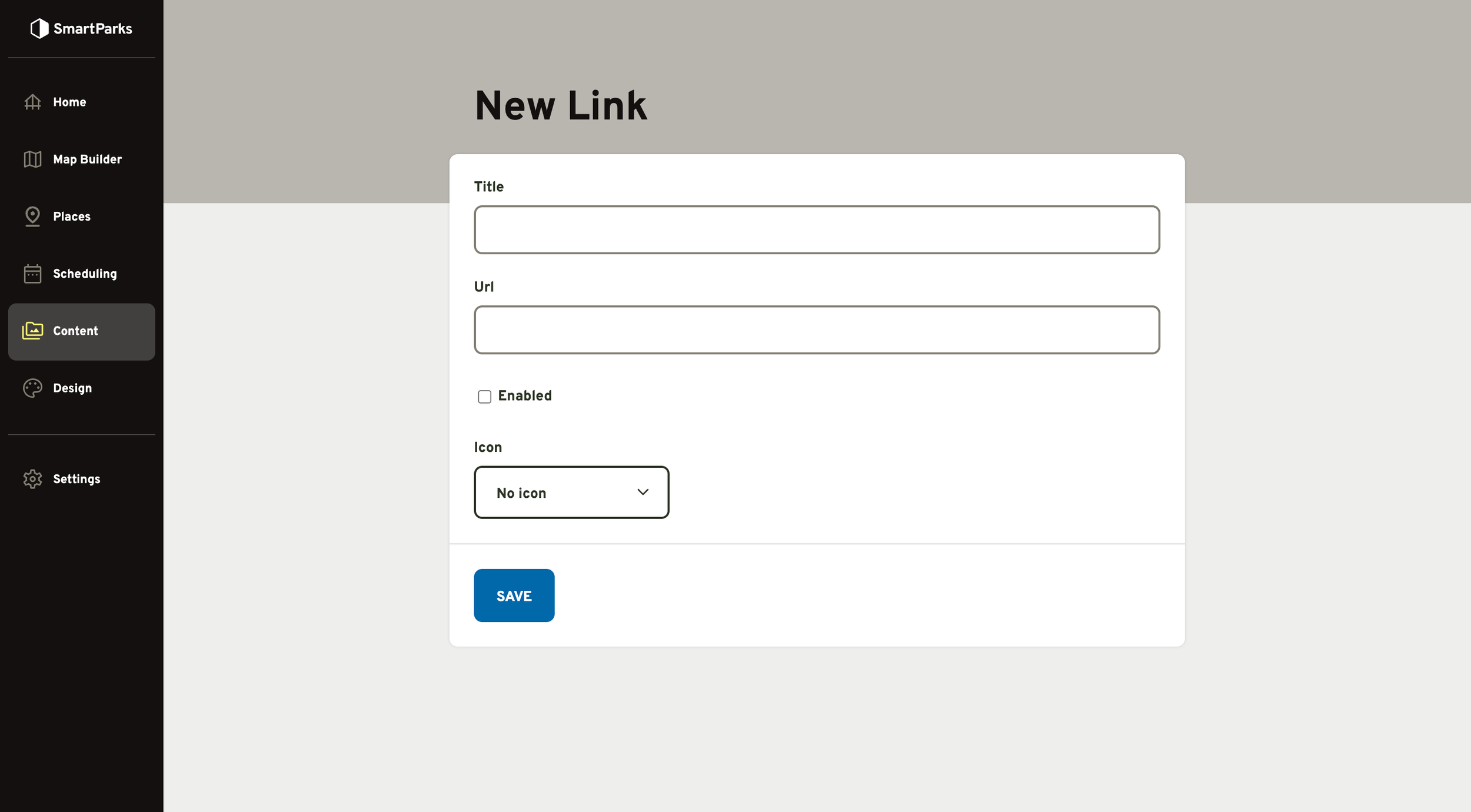
Go to Content > Links in the main navigation
Click the “New Links” button in the top right
Fill out the form and click the “Save” button at the bottom
Title (required): This is the title that will be displayed to guests.
URL (required): This can be either an internal or external URL. For external URLs, you should provide the absolute path (including domain). For internal URLs (within the mobile app), you should provide the relative path (excluding domain). For example, a link to a place detail page within the mobile app could be /places/1234.
Enabled: Links will only display in the mobile app if the enabled box is checked.
Icon: If an icon is selected, it will display to the left of the link title.