Icons
Overview
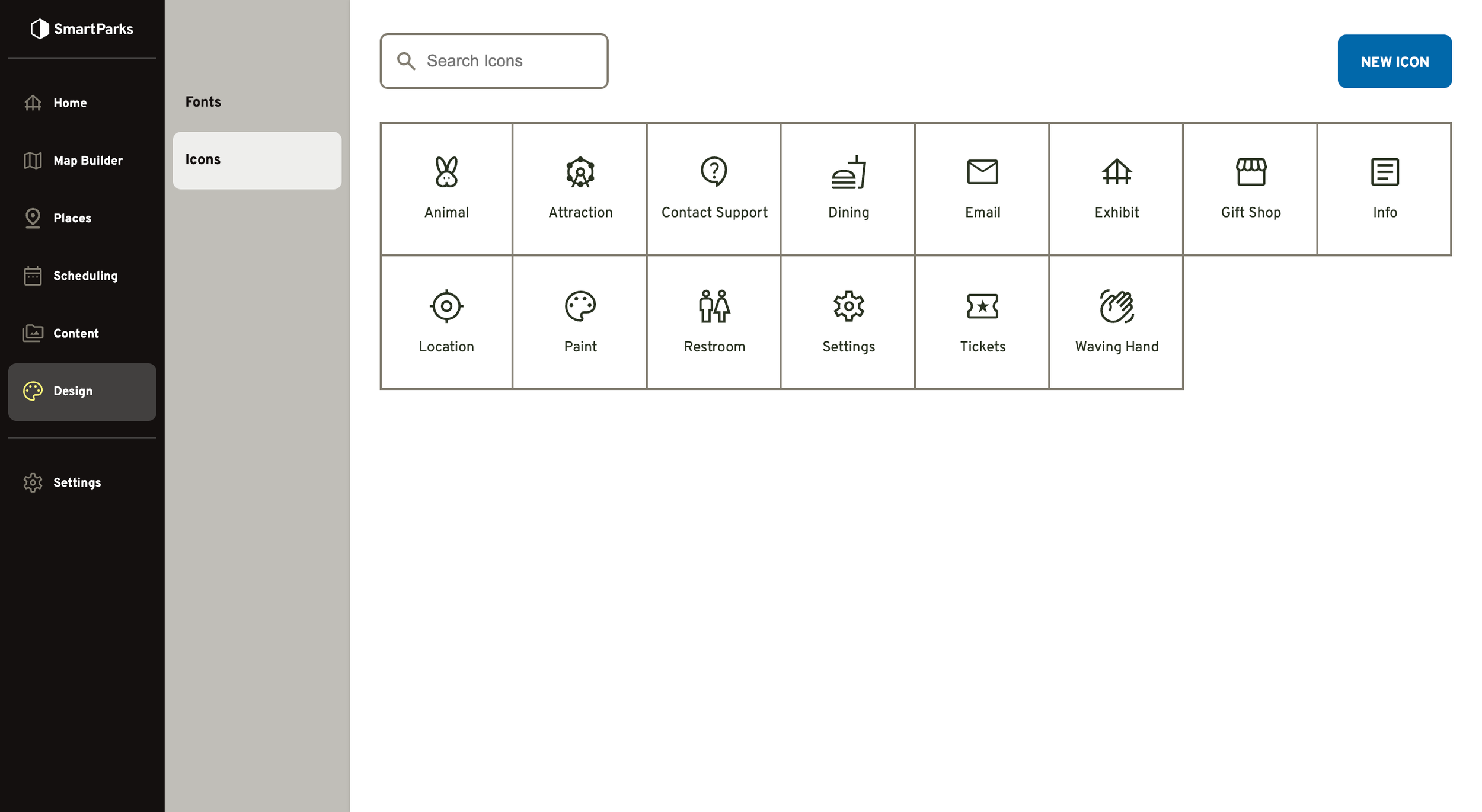
The icons section allows you to create a library of image assets that can be used on maps and associated with place types in the directory.
How to Create a New Icon
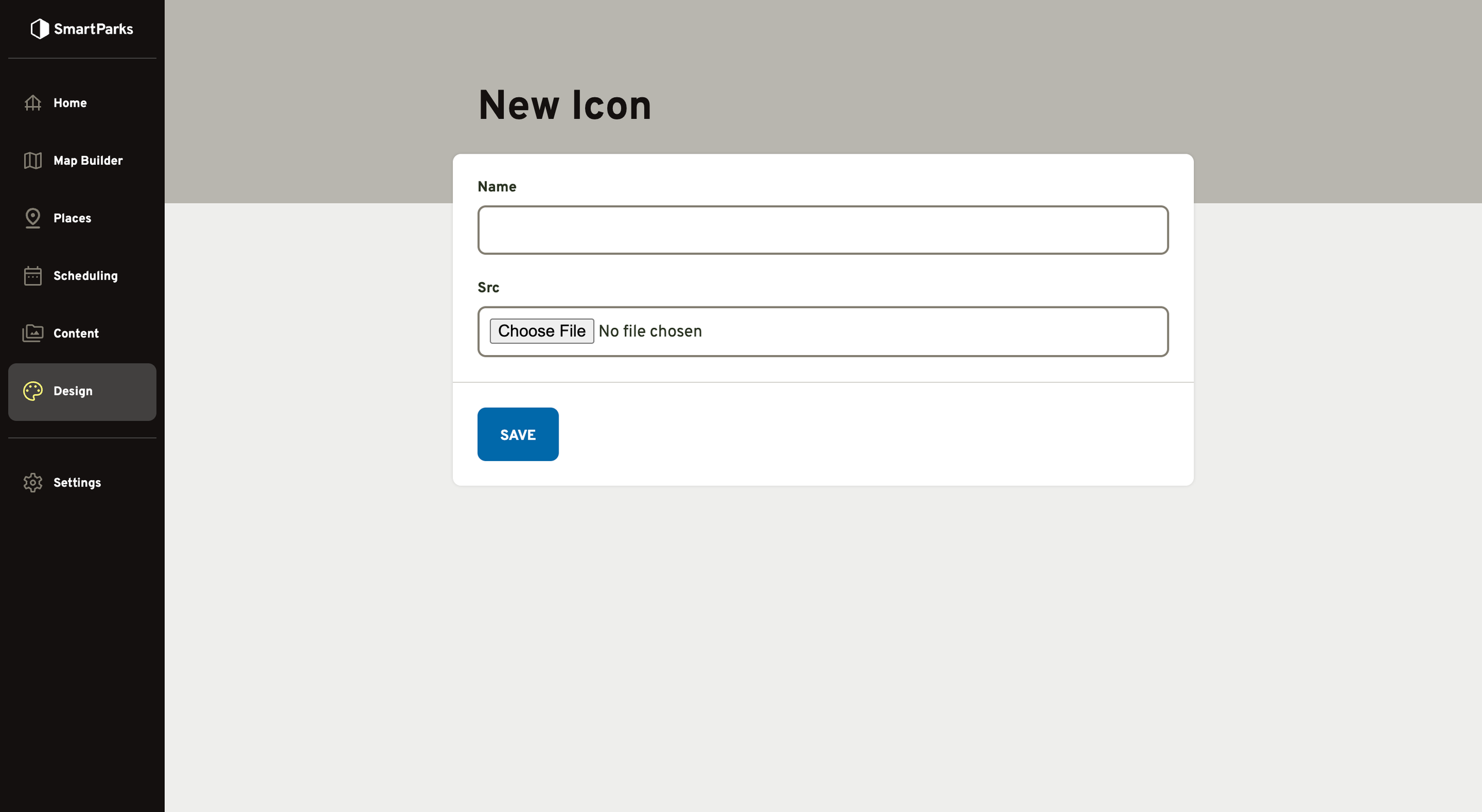
Go to Design > Icons in the main navigation
Click the “New Icon” button in the top right
Fill out the form and click the “Save” button at the bottom
Name: This name is used in the admin for identification purposes.
SRC: Select an image from your local drive. Both SVG and PNG are supported. Icons should be a 1:1 (square) aspect ratio.