Events
Overview
Events are things that happen at specific times throughout the day. They are displayed under the “Today’s Schedule” heading within the “Today” section of the mobile app. Similar to Places, they have detail page that can have additional content (text, images, audio).
How to Create a New Event
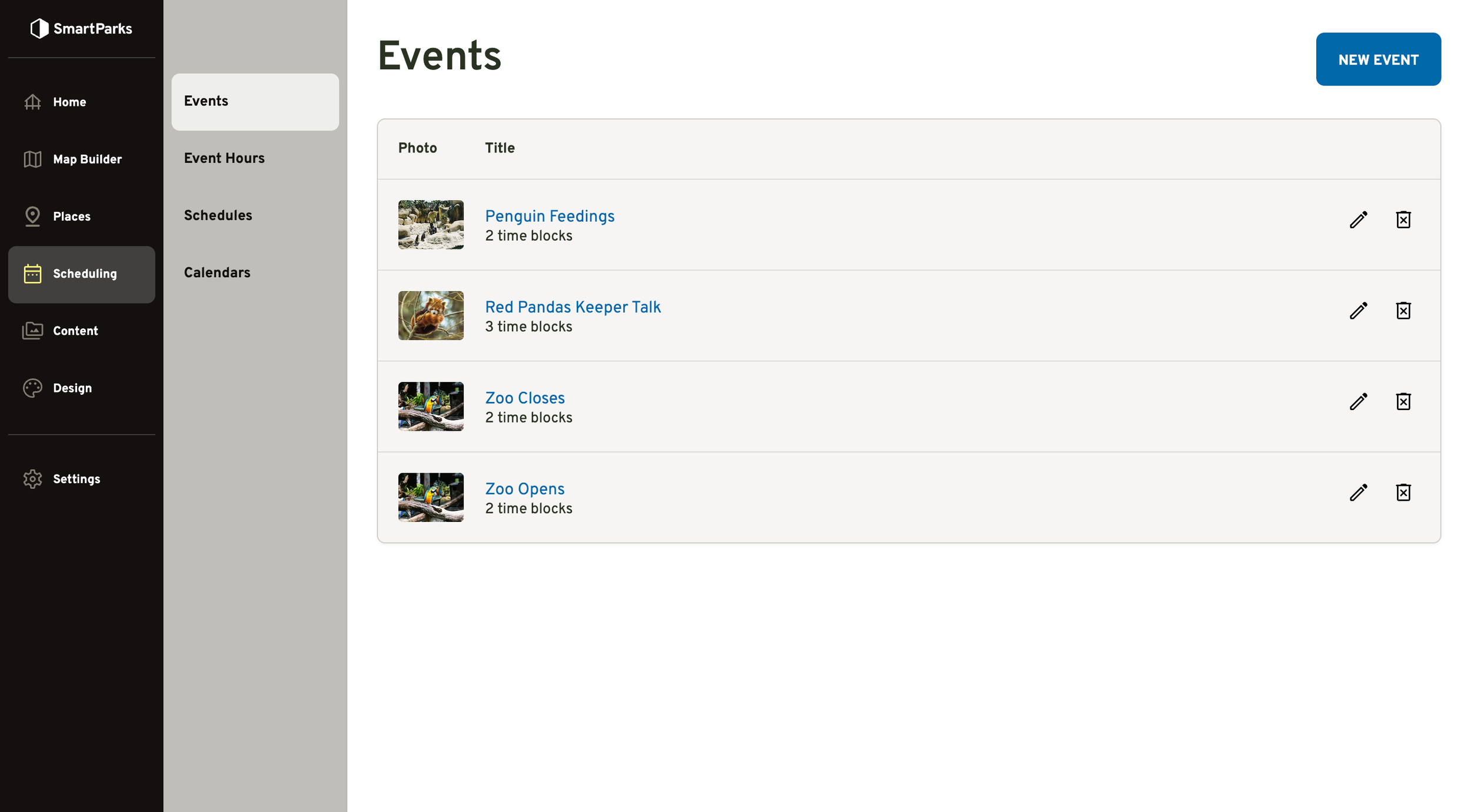
Go to Scheduling > Events in the main navigation
Click the “New Event” button in the top right
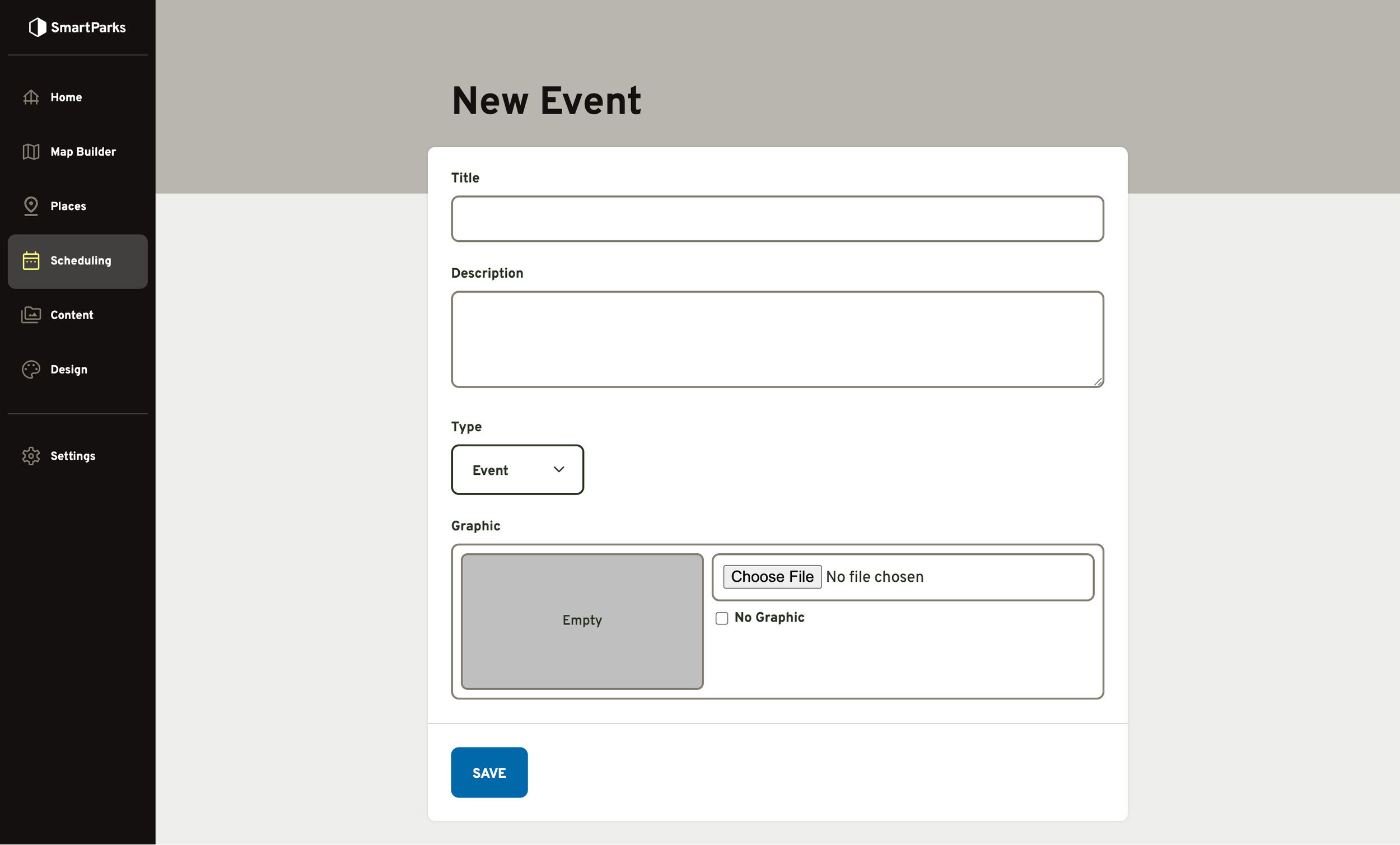
Fill out the form and click the “Save” button at the bottom
Title (required): The name that will be displayed in the admin and mobile app.
Description: A rich text field that will be displayed on the detail page for the event.
Type: Most of the time, this should be kept on the default, which is “Event”. If the event represents either the zoo opening or closing, then this should be changed the corresponding type.
Graphic: An optional image that will be displayed on the detail page for the event.